A contractor can do excellent work, have happy customers, and still struggle to generate leads through their website.
Sometimes the problem isn’t traffic.
It’s what happens after someone lands on the site.
I recently reviewed the website and Google Business Profile of a paving contractor serving the Orlando, Florida area. During the audit, I found several issues that could make it harder for potential customers to contact the business, understand its services, or discover it through Google.
Some were basic functionality problems. Others were missed opportunities for local SEO.
Here’s what I found, why each issue matters, and what I’d recommend fixing first.
1. The Contact Form Wasn’t Working
The first issue I noticed was the contact form.
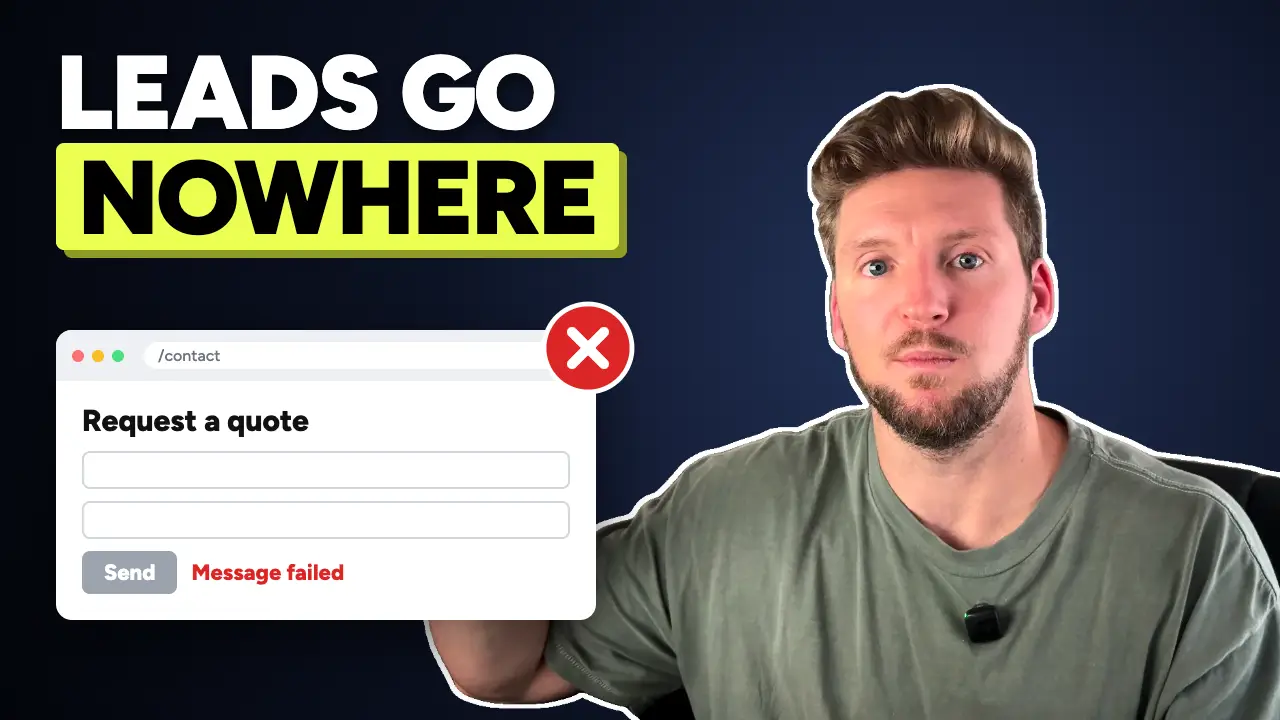
A visitor could reach the website, find the form, and attempt to request a quote, but the form wasn’t functioning correctly during my review.
For a contractor, that’s a serious problem.
Think about the path a potential customer takes:
- They search Google for a paving contractor.
- They find your business and visit your website.
- They review your services and decide to request an estimate.
- They complete your contact form.
- The request never reaches you.
That entire customer journey can break at the last step.
And unless you’re regularly testing your website, you might not realize anything is wrong.
What I recommend
Test every contact form on your website using a real email address.
Don’t stop when you see a success message. Confirm that the submission actually reaches the intended inbox or CRM.
Check that:
- Required fields work correctly.
- The form submits on desktop and mobile.
- Notifications reach the right person.
- The visitor receives an appropriate confirmation.
- Spam filtering isn’t blocking legitimate inquiries.
- Form submissions are tracked when appropriate.
If your website is connected to a CRM, confirm that the lead is actually created there.
My rule: Before spending money to send more traffic to a website, verify that its primary lead-generation mechanisms work.
2. Clicking the Logo Led to a 404 Error
Another issue was the website’s logo.
Most visitors expect clicking a company’s logo to return them to the homepage.
On this contractor’s website, clicking the logo led to a 404 error page.
This might seem minor compared with a broken contact form, but it creates unnecessary friction.
A potential customer who wants to return to the homepage shouldn’t have to figure out how to navigate around a broken link.
What I recommend
Check the navigation elements that appear across your website.
Start with:
- Your logo
- Main navigation menu
- Footer links
- Service links
- Contact buttons
- Mobile navigation
Also, run a crawl to identify broken internal links and review any 404 errors reported in Google Search Console.
Not every 404 is an SEO emergency, but broken links in prominent navigation elements should be corrected.
3. The Phone Number and Email Address Weren’t Clickable
The website displayed a phone number and email address, but neither functioned as a direct contact link.
For a contractor, this is a missed usability opportunity.
Imagine someone searching for a paving contractor from their phone.
They find your website, see your phone number, and want to call.
Instead of tapping the number, they have to copy it or manually enter it into their phone.
That extra step is unnecessary.
What I recommend
Make phone numbers clickable using a tel: link.
For example:
<a href="tel:+14075551234">Call Us</a>
Email addresses can use a mailto: link.
For example:
<a href="mailto:info@example.com">Email Us</a>
These links don’t guarantee more calls or emails, but they make contacting the business easier.
I also recommend testing these elements on an actual mobile device.
For contractors, a prominent mobile call button can be particularly useful when customers need immediate assistance.
4. The Website Had Too Many Competing Calls to Action
During the audit, I noticed several different calls to action.
One button said “Get a Quote.”
Another said “Contact Us.”
Another said “Get Instant Access.”
The problem isn’t necessarily having multiple buttons.
It’s that visitors may not understand what each action means or which one they’re supposed to take.
If the primary goal of a contractor’s website is to generate estimate requests, that goal should be obvious.
What I recommend
Choose a clear primary conversion action.
For a paving contractor, that might be:
Request a Free Estimate
Use that wording consistently on the homepage, service pages, and other high-intent sections.
You can still include supporting actions such as “Call Now” or “View Our Work.”
The objective isn’t to force every button to say the same thing.
It’s to create a clear path toward contacting the business.
Also, avoid vague or misleading button labels. If a button says “Get Instant Access,” visitors should know exactly what they’re getting access to.
5. The Website Was Trying to Cover Every Service on One Page
The contractor’s website was essentially a one-page site.
That isn’t automatically bad.
A simple one-page website can work for a new business or a company with a limited service offering.
But it can become restrictive when a contractor offers multiple distinct services and wants to compete for searches related to each one.
For example, someone searching for “commercial asphalt paving” may have different questions than someone searching for “parking lot sealcoating.”
Trying to answer both sets of questions in a short homepage section can limit how much useful information you provide.
What I recommend
Create dedicated service pages for important services that have distinct customer needs and search intent.
For a paving contractor, that could include:
- Asphalt paving
- Parking lot paving
- Asphalt repair
- Sealcoating
- Parking lot maintenance
These are examples, not a recommendation to create pages for services the business doesn’t actually offer.
Each page should explain what the service involves, who needs it, what customers should expect, and how to request an estimate.
Include relevant project photos, frequently asked questions, and examples of completed work when available.
The goal is to build a more useful website, not simply increase the number of indexed pages.
6. The Website Had Opportunities for Better Local SEO Structure
The next opportunity involved location-specific searches.
This contractor served the Orlando area, but its website had limited content dedicated to individual services and locations.
For a local service business, relevant location pages can help explain where the company works and what it offers in those areas.
However, there’s an important distinction between useful service-area content and mass-produced location pages.
Creating dozens of nearly identical pages that simply swap city names isn’t a sustainable local SEO strategy.
Google’s spam policies specifically address doorway pages created primarily to capture similar searches without providing distinct value.
What I recommend
Start with the actual cities and communities where the business performs work.
For each potential location page, ask:
- Does the business genuinely serve this area?
- Is there meaningful search demand?
- Can we include relevant projects or customer examples?
- Can we provide useful local information that isn’t duplicated elsewhere?
- Would this page help someone make a hiring decision?
A page about paving services in Orlando should offer more than the same generic paragraph used for every neighboring city.
I would prioritize a smaller number of genuinely useful pages over dozens of thin pages.
What about embedding Google Maps?
I also mentioned embedding a Google Map during the original audit.
A map can be useful when customers need directions to a real office or storefront.
But embedding a Google Map isn’t an established shortcut for improving local rankings.
For a contractor that travels to customer locations, a clear service-area description and relevant contact information may be more helpful than a map embed.
7. The Google Business Profile Needed a More Deliberate Local Visibility Strategy
The final part of the audit focused on the contractor’s Google Business Profile.
The company appeared to do good work, and I saw an opportunity to build its review presence and improve its visibility for relevant local searches.
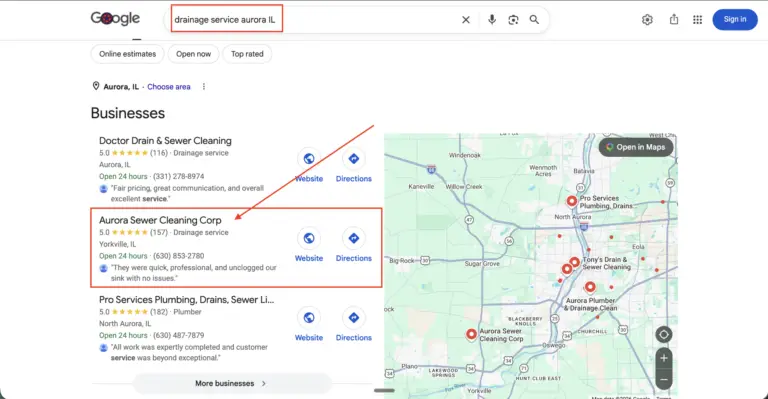
For example, I looked at the search results for “paving contractor Orlando” to illustrate the businesses competing for visibility.
Those local results matter because they can introduce potential customers to contractors before the customer ever visits a website.
Google explains that local rankings are mainly influenced by three factors:
Relevance: How well the business matches the search.
Distance: How far the business is from the location associated with the search.
Prominence: How well-known the business is, based on signals that can include reviews and links.
What I recommend
Start by making sure the business’s Google Business Profile accurately represents its operations.
Review:
- Primary and secondary business categories
- Services offered
- Business description
- Contact information
- Actual operating location and service areas
- Photos of completed work
- Customer reviews
For a contractor that visits customers at their properties, a service-area Business Profile may be appropriate.
The business doesn’t necessarily need a publicly displayed storefront address in Orlando to be eligible.
A legitimate operating location matters, but renting an address solely to influence Google Maps rankings is not an appropriate strategy.
I would also establish a consistent process for requesting honest reviews from real customers.
A stronger review profile can support customer confidence and local visibility, but there is no specific review count that guarantees a top-three ranking.
What I’d Fix First
Not every issue deserves the same priority.
If I were responsible for improving this contractor’s website, I would approach the work in three phases.
Phase 1: Fix the Broken Conversion Paths
First, I would repair the contact form, correct the logo link, and make the phone number and email address clickable.
These are foundational issues.
There’s little value in attracting additional visitors if those visitors struggle to contact the business.
Phase 2: Improve the Customer Experience
Next, I would clarify the primary call to action, improve navigation, and make the website easier to use on mobile devices.
I’d also verify that leads are being captured and measured correctly.
Phase 3: Build the Local SEO Foundation
Finally, I would evaluate the service page structure, identify worthwhile location pages, review the Google Business Profile, and develop a consistent review acquisition process.
That gives the business a stronger foundation for attracting relevant traffic and converting visitors into inquiries.
The Bigger Lesson for Contractors
A website doesn’t need to be complicated to generate leads.
But the important parts need to work.
When I audit contractor websites, I don’t start by asking how many animations they have or whether the homepage looks modern.
I want to know:
Can customers find the right service?
Can they trust the business?
Can they contact someone without unnecessary friction?
And does the website give search engines useful information about what the company actually does?
Those questions are more valuable than simply asking whether a website looks good.
Want a Second Set of Eyes on Your Contractor Website?
At DropShadow Agency, I help local service businesses improve their websites, Google Business Profiles, and local search visibility.
If you’re unsure whether your website is helping or hurting your lead generation, reach out and let’s take a look at what could be improved.